Making pictures with a free AI image generator
A card for your mum's birthday tonight, a thumbnail for tomorrow's video, a cover for the book club's newsletter: you know roughly what you want, you just can't draw it. That's what the box at the top of this page is for. Write a sentence, choose a look, and save the picture — no account to create, no card to enter, no watermark on the file. The rest of this page covers what happens behind the button, how to phrase a request so the result matches what's in your head, how this free tool stacks up against paid ones, and what AI images still can't do well.
An AI image generator, in plain terms
It's software that reads a written description and paints a brand-new picture to fit it. The model behind it learned from an enormous collection of pictures paired with their captions, so it knows what "a golden retriever on a beach at dawn" should look like. It doesn't pull anything from a photo bank: each image is drawn fresh, which is also why typing the same sentence twice never gives you the exact same result.
For everyday use, this means a visual no longer requires a camera, a designer or a stock-photo subscription. A header for your blog, a poster for the school fair, an illustration for a slide, a rough logo idea for your side business — if you can put it into words, you can have it on screen a few moments later. The one skill left is knowing what you want and saying it clearly, and most of this guide is about exactly that.
What happens after you click Generate
The model doesn't assemble your image from pieces. It starts from random visual noise, a bit like TV static, and cleans it up over many small steps, each time nudging the picture closer to your words. Shapes appear first, then colors and light, then fine detail. That repeated refining is real work for the computer, which is why you wait a few seconds rather than getting the image instantly.
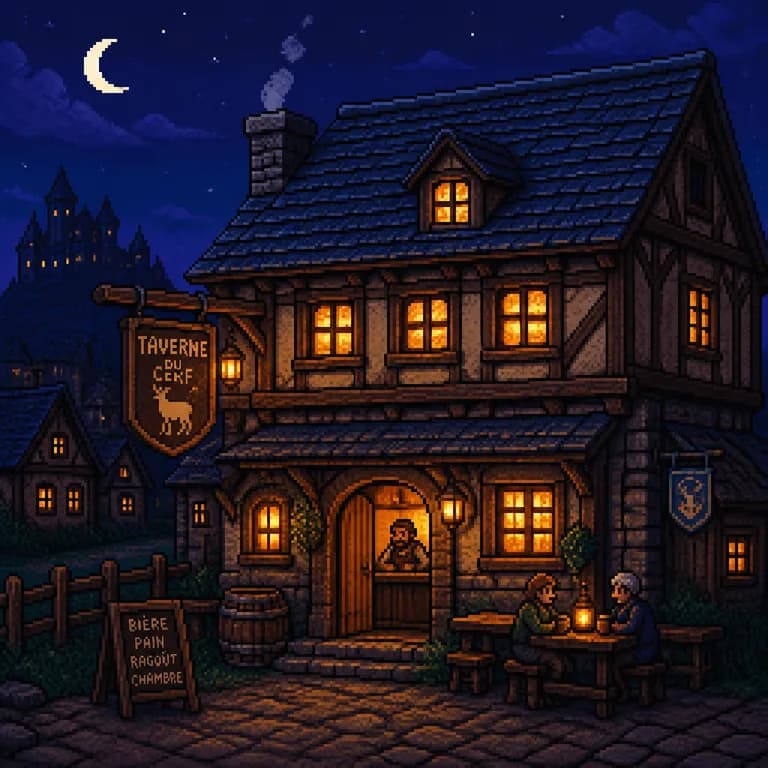
Behind this page is GPT Image 2, the image model made by OpenAI. Everyone gets standard quality; a subscription unlocks high quality. It's good at arranging a scene and at lighting, and — unusually — it can write a short word or two inside the picture legibly, which helps for a poster or a logo draft. What reaches the model is your description and the style you picked, and nothing else about you.
Three steps from idea to image
Everything happens on this one page: no menus to explore, no app to download.
- 1Write what you'd like to see in the box — who or what is in the picture, where it takes place, the atmosphere, the colors. Detail pays off: a precise request gets a closer match.
- 2Choose a look (photo, illustration, logo, watercolor, 3D and more) and a shape: square for a feed post, portrait for a story or a phone wallpaper, landscape for a banner or a slide.
- 3Hit "Generate my image" and give it 10 to 30 seconds. Save the result as a PNG, or ask for a variation if you want another take on the same idea.
Photo, illustration, logo…: picking the right look
Of all your choices, the style changes the picture most — far more than any extra adjective in your sentence. Ask for "a cat reading a newspaper" as a photo and then as an illustration, and you'll get two images with the same idea and nothing else in common. So pick the look first, then describe the scene: it's the quickest way to something you can actually use.
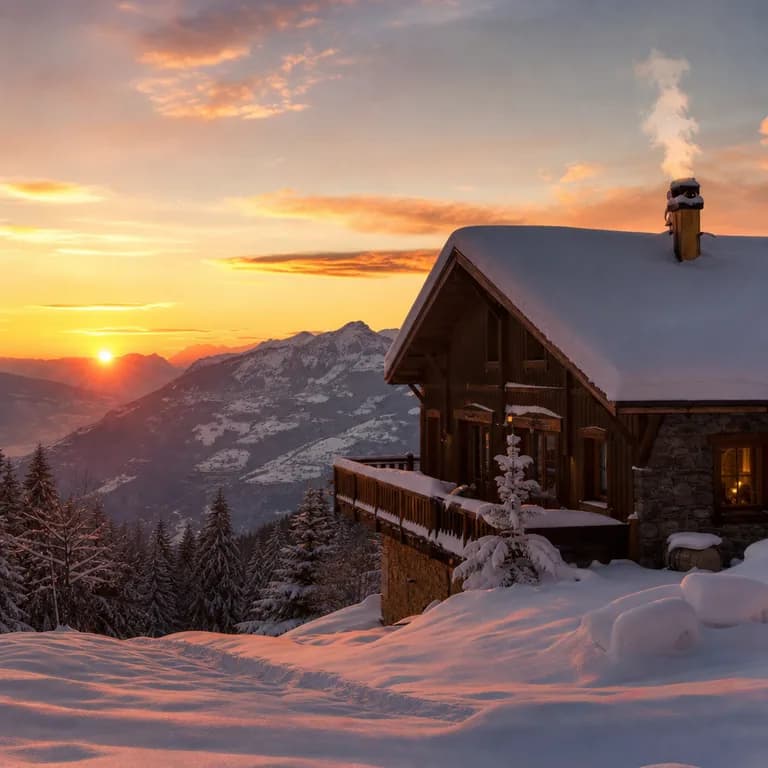
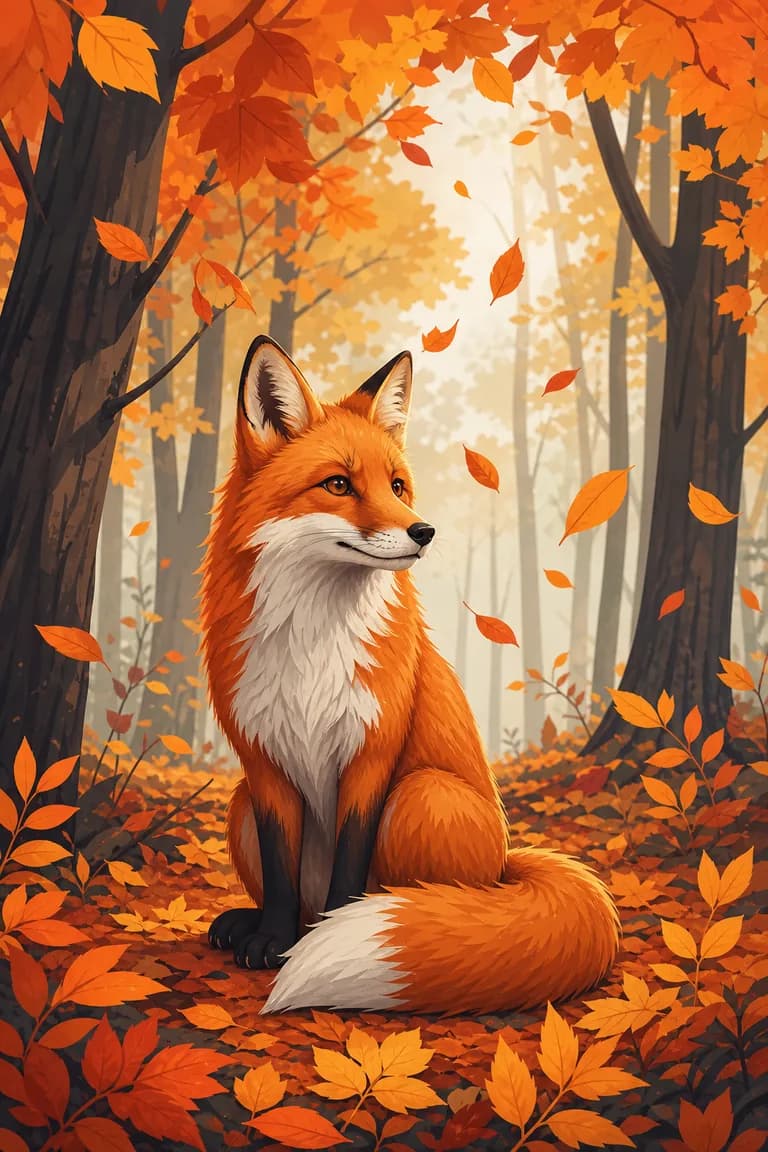
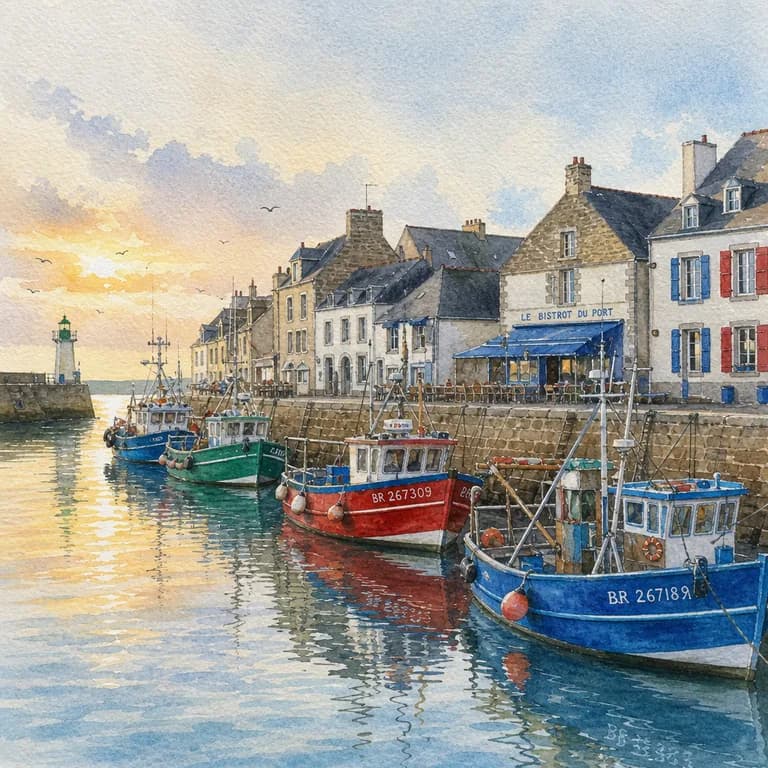
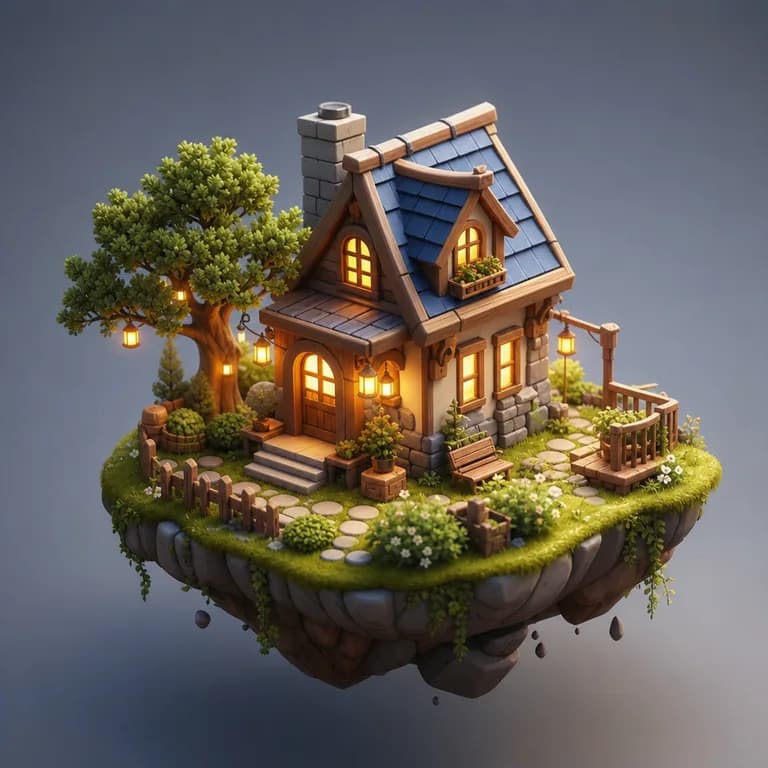
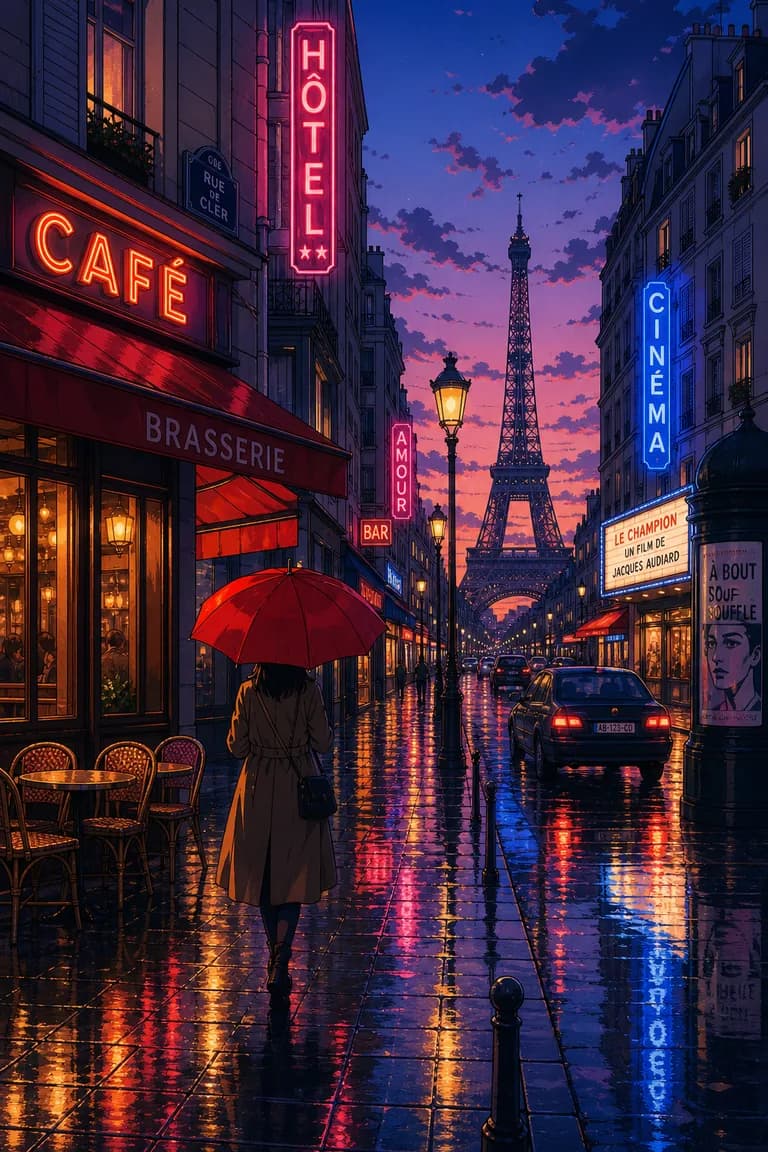
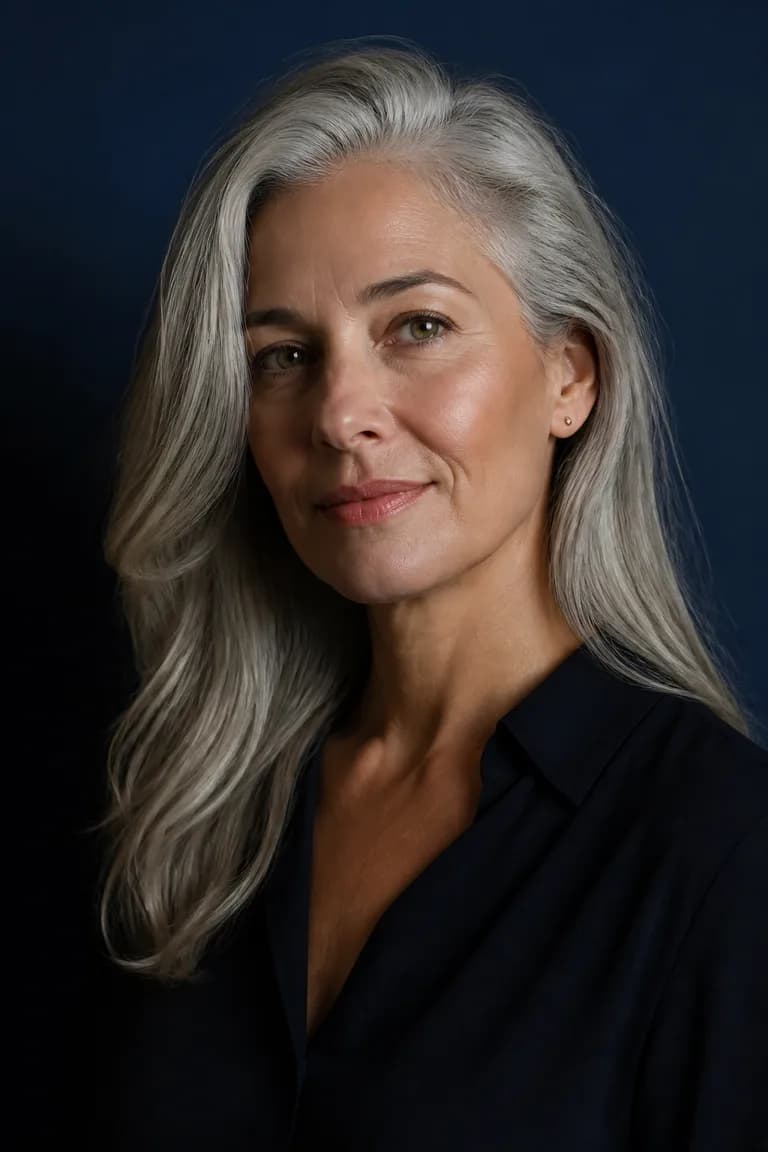
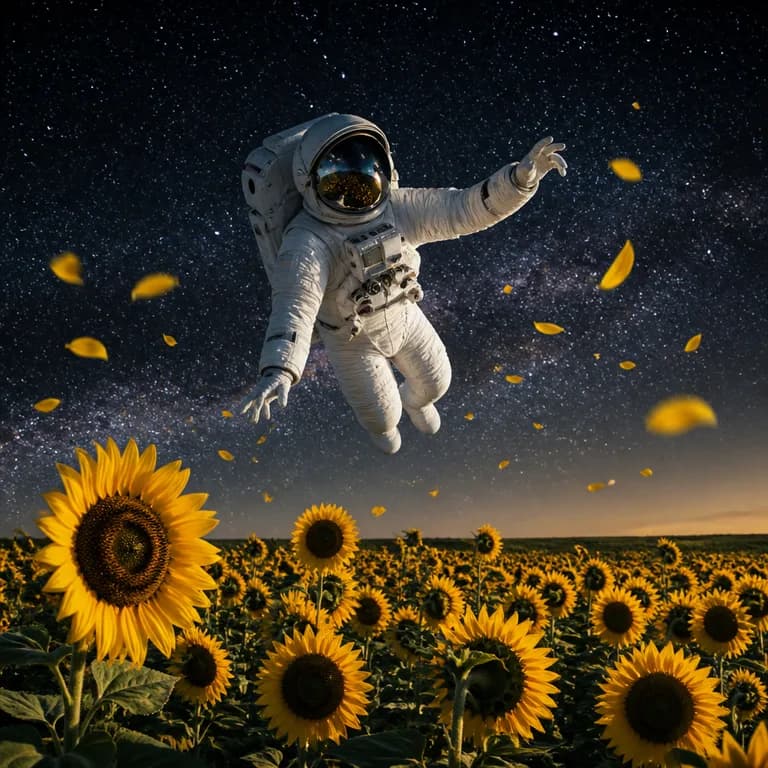
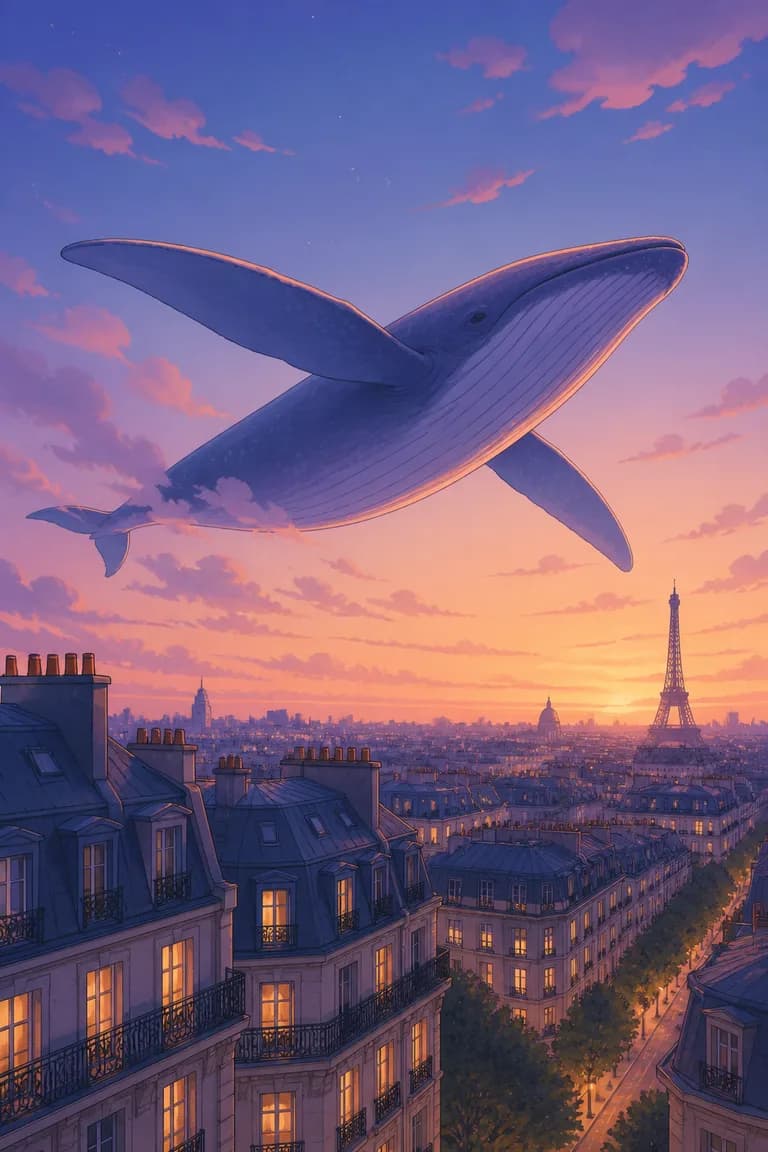
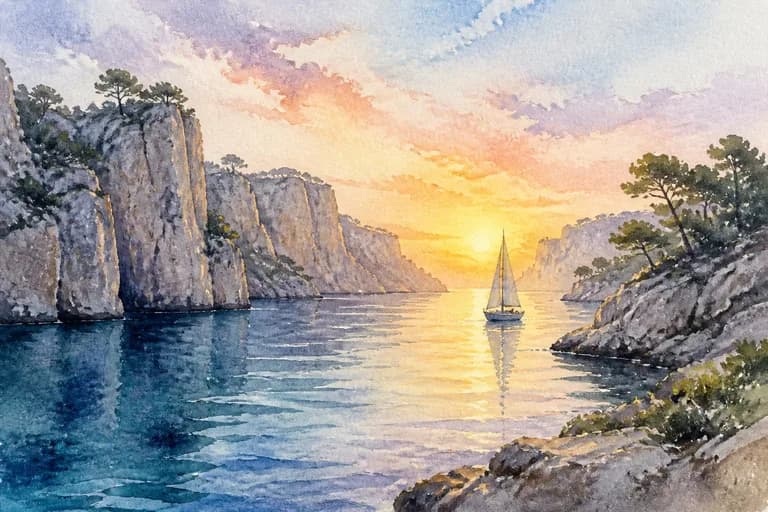
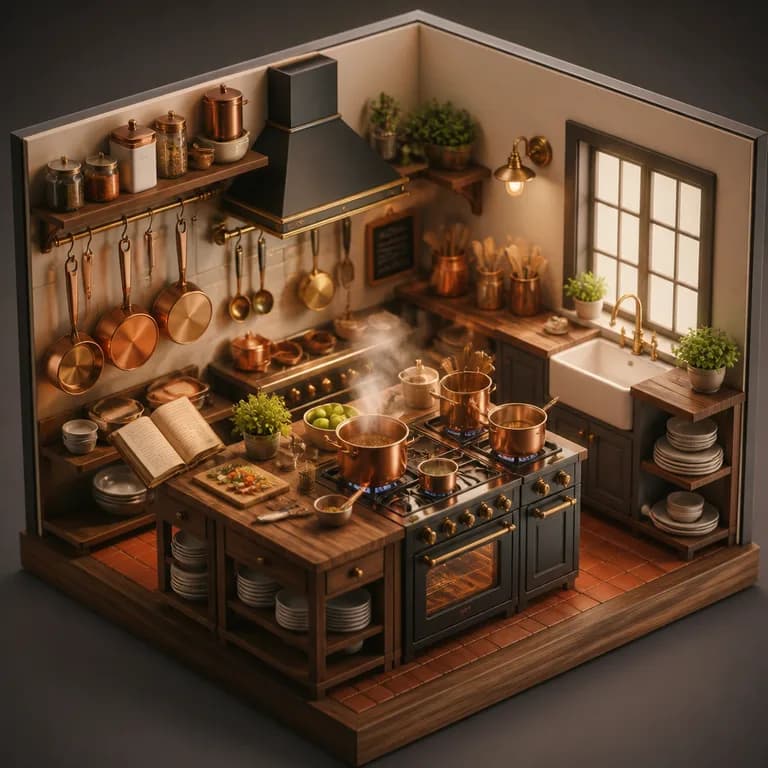
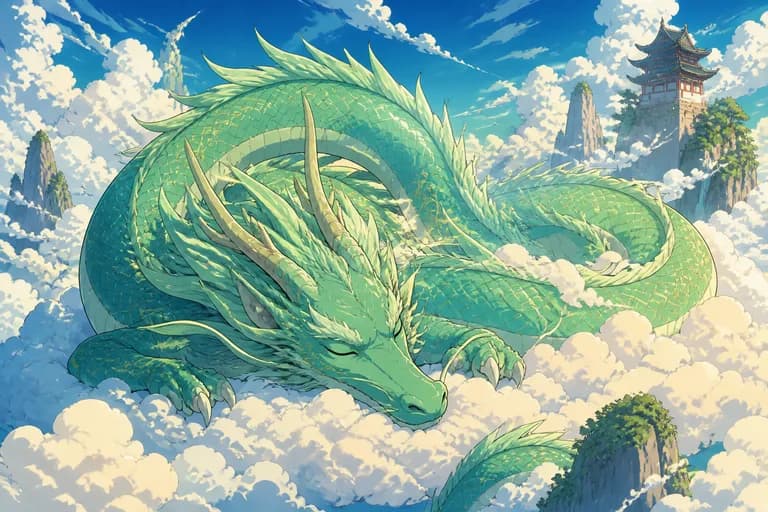
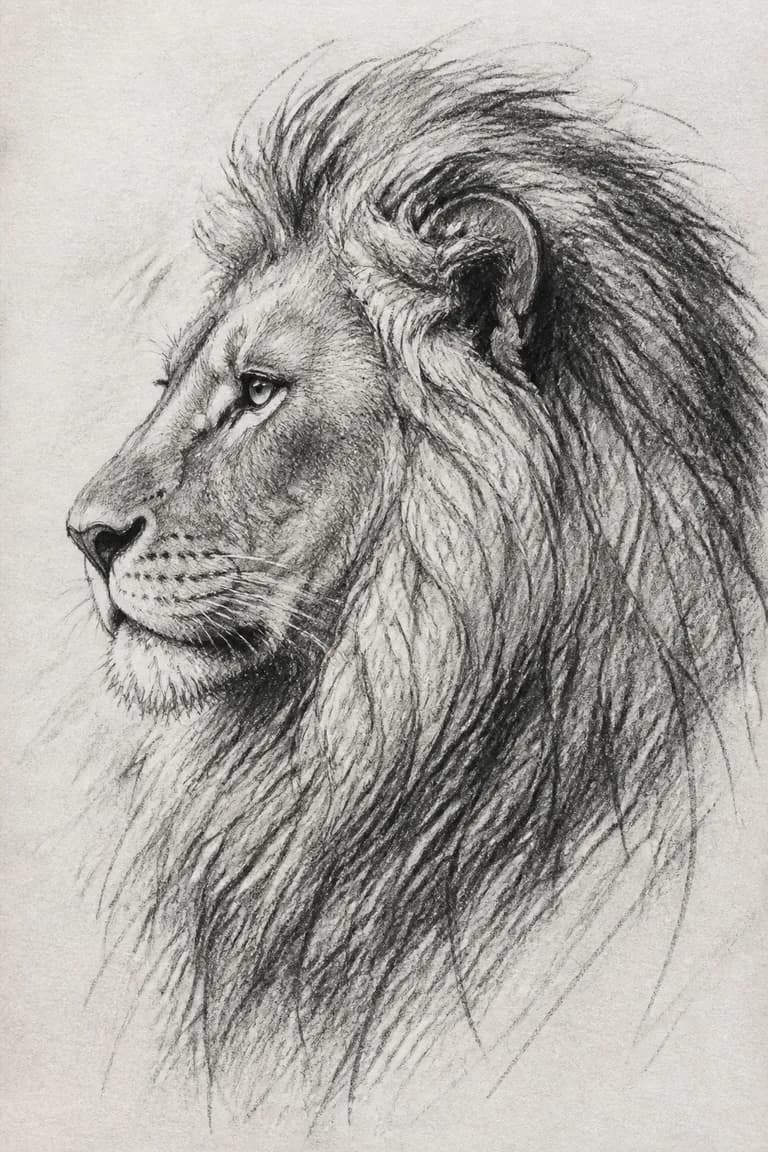
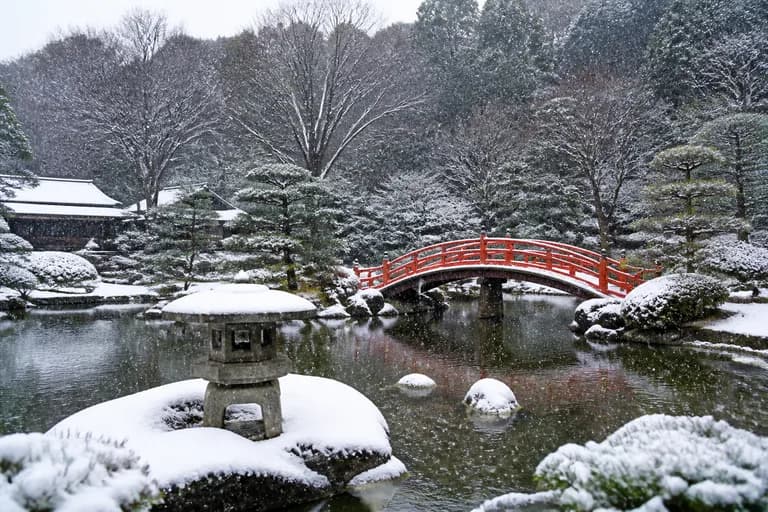
A simple guide: Photo when it should look like a real snapshot; Illustration for something friendly, editorial or fun; Logo for a clean shape on an empty background; Watercolor or Sketch for a handmade touch; 3D when you want a polished, product-style render; Anime or Pixel art when you're after that particular visual world. The eight thumbnails near the top show one fox drawn in every style, so you can compare at a glance instead of guessing.
Free AI image generators compared
Plenty of image tools call themselves free, then stop you after a few pictures, ask for a card, or put their logo on the result until you pay. Here's how the well-known names compare in 2026:
| Tool | Free to use | No account needed | Watermark-free | Best at |
|---|---|---|---|---|
| Free AI Chat (this page) | Yes | Yes | Yes | Nothing to sign up for |
| Midjourney | No | No | Yes | Artistic, painterly results |
| DALL·E (ChatGPT) | Limited | No | Yes | Built into ChatGPT |
| Canva | Limited | No | Paid plan | A complete design editor |
| Ideogram | Limited | No | Free plan | Lettering inside the image |
To be fair to them: paid services offer finer control, bigger files and room for many more images a day. If pictures are your daily job, they earn their price. If you just need a few good images today and don't want one more login, the generator on this page is enough — a model of the same calibre, no sign-up, no watermark, and a free allowance that comes back every day.
Ten habits for better results
When an image disappoints, the wording is nearly always the reason. These ten small habits fix most of it:
- Say what the subject is doing, not just what it is: "a dog shaking off water" beats "a dog"
- Set the scene behind it: a rainy street, a cosy kitchen, a plain white wall
- Choose the light — sunset glow, soft window light, neon at night — since it sets the whole mood
- Say how close the camera is: a close-up, a view from above, a wide shot
- Name two or three main colors when the image has to match your brand or your room
- Let the style buttons do the work rather than writing "in watercolor style" in your sentence
- For a logo, ask for an empty background and the design centered
- Say what you want, not what you don't: "an empty beach" works better than "a beach with no people"
- If the picture includes text, stick to two or three words
- Try a variation before rewriting the whole request — a second attempt often lands
Ready-made ideas to try
Tap one to drop it into the generator, then change the details so it fits what you need.
Where AI images still struggle
Know three weak spots before you start. Hands remain unreliable — a sixth finger or a thumb bent the wrong way still turns up. Text inside the image holds up for a word or two, then drifts into letters that look right but spell nothing. And a particular real face is beyond reach: you'll get someone who fits the description, not the person you're thinking of. Keeping hands out of frame, limiting on-image text to a couple of words and describing a kind of person rather than someone specific avoids most disappointments.
As for what you can do with the pictures: personal and professional use are both fine. Stay away from copying a living artist's recognisable style, a copyrighted character or a real person's likeness — that's where things get legally uncertain, and how the image is used is your responsibility. And the daily cap isn't there to push you to pay: every picture costs real computing power, and limiting the number per day is how the tool stays free and without ads rather than subscription-only.